
You Are Using Claude Code at 20% of Its Power. Here Is the Other 80%

Most engineering teams use AI coding tools daily. Most of them are leaving serious leverage on the table.
I have read at least 40 Claude Code tutorials this year. Maybe more.
Almost every single one covers the same five things. CLAUDE.md. Plan Mode. Context7. Parallel sessions. /clear between tasks. Fine advice. Also the advice every developer already figured out in week one.
Then the tutorial ends. And you’re left thinking Claude Code is a slightly smarter autocomplete that occasionally surprises you.
It’s not. You just haven’t found the actual features yet. And I say that having spent three months thinking I was using it well before realizing I was barely scratching it.
Let me show you what I mean.

The first thing to fix is your CLAUDE.md file. Not set up. Fix.
Most developers run /init once, scan the generated file, nod approvingly, and never open it again. It sits there describing your folder structure and your test commands like a README nobody reads. Technically present. Practically useless.
Here’s what that file is supposed to be. Memory. Not documentation.
Every session, Claude learns things about your project that weren’t obvious from the initial scan. Your auth module has a quirk in how it handles token refresh that will bite you if you refactor naively. Your tests need to run in a specific order or three of them fail for no apparent reason. That one legacy service everyone knows not to touch without running the full integration suite first.
All of that knowledge disappears the moment you close the session. Unless you capture it.
End every meaningful session with one instruction: “Update CLAUDE.md with everything important you learned today.” That’s it. Do it for a month. The file becomes the onboarding document you always meant to write. I’ve had senior engineers on my team read the CLAUDE.md and say “I didn’t know that about the codebase.”
And don’t add it to .gitignore. I’ve seen this twice now. Developers treating it like a personal scratch file. Share it. Your teammates’ sessions get smarter when they do.
Quick example of what a useful CLAUDE.md actually looks like:
# CLAUDE.md
project: auth-service
test_order: [unit, integration, e2e]
known_quirks:
  - token_refresh: requires 500ms debounce before retry
  - legacy_payment: do not modify without running `make full-suite`
session_memory: |
  - Refactored OAuth flow; token rotation now uses sliding window
  - Added `/clear` policy: run after context switch > 2 topics
Recently, Claude Code introduced a command called /btw. I found out about it from Boris Cherny, the person who actually built Claude Code, and my first reaction was mild frustration that I hadn’t had it for the previous few months.
It stands for “by the way.” It does exactly what the name says.
You’re mid-task, Claude is deep in a refactor, and you suddenly need to know something unrelated. Before /btw, you had two bad options. Interrupt Claude and break its momentum. Or open a new session and lose all the context from what was already happening.
Now you just type /btw. An overlay appears. You ask your question. Claude answers. You close the overlay. Claude continues exactly where it was.
“What does this function return again?” /btw. “Which Tailwind class gives me a ring on focus?” /btw. “Is there a way to do this without the extra re-render?” /btw.
Small thing. Genuinely changes the texture of a day.
Engineering note: this isn’t just convenience. It’s state preservation. Interrupting the main thread forces re-parsing and increases context drift. Non-blocking queries keep the primary execution trace clean.
Here is the mistake I made for longer than I’d like to admit.
Claude would build something. I’d run it. Something was wrong. I’d go back and type out what was wrong. Claude would fix it based on my description. I’d run it again. Still slightly wrong. I’d describe the new version of wrong.
I was being Claude’s eyes. Describing UI states in text like I was filing a bug report to someone in another timezone who couldn’t see my screen.
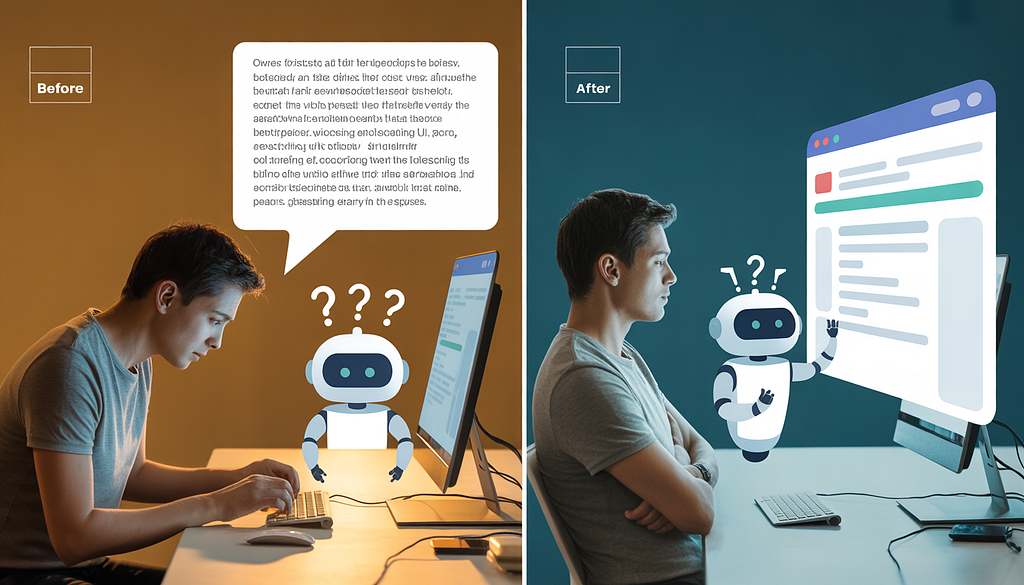
The Claude in Chrome extension exists specifically because this problem is universal. Install it. Claude Code and your browser work together in a build-test-verify loop. Claude builds something, opens it in Chrome, sees what it built the same way you do, catches its own errors, fixes them. Before you’ve even looked up from what you were doing.
Last week I watched a developer spend 45 minutes going back and forth on a flexbox alignment issue. The Chrome extension would have caught it in the first pass. Install it. It’s in beta right now for any paid plan.
How it works, roughly:
- Claude generates or modifies a UI component
- Extension captures the rendered DOM
- Vision model diffs output against expected layout
- Corrections applied before human review
Shift from “describe → guess → iterate” to “generate → verify → auto-correct”.
You’ve probably noticed that Claude Code asks permission constantly.
Every new file. Every command it hasn’t run before in this session. Every tool call that touches something slightly outside what it’s already been doing. Each prompt individually is reasonable. Accumulated over a two-hour session they turn into a dripping faucet of interruptions that chips away at any sense of flow.
The /sandbox command uses file and network isolation to reduce these interruptions. Teams that implemented it reported an 84% reduction in permission prompts internally.
That number is almost hard to believe until you use it. Then it’s obvious. Use it in trusted projects where you know the codebase well. Keep the full prompt behavior for anything production-facing or externally connected where you actually want that friction.
Isolation isn’t about removing guardrails. It’s about applying them predictably.
I want to tell you something about Plan Mode that most tutorials get wrong.
They tell you to use it for complex tasks. True. They tell you it creates a structured approach before implementation. Also true. What they don’t tell you is that approving the plan is the least useful thing you can do with it.
The plan is a starting point for an argument. That’s the frame that changed everything for me.
When Claude produces a plan now, my first move is to find something I disagree with. Step 3 assumes a pattern that doesn’t fit how our API is structured. Step 5 will break in the edge case where the user has multiple active sessions. Step 7 is solving a different problem than the one we actually have.
I push back. Claude revises. We go back and forth for two minutes. The final plan is genuinely better than what I would have designed alone, and it’s also better than what Claude would have designed without being challenged.
Try this prompt when reviewing a plan:
1.Critique this plan from a senior engineer's perspective:
2. Identify hidden assumptions
3.Flag edge cases in state management
4.Suggest 2 alternative implementations
5.Return revised plan with risk annotations.
The developers I’ve watched get the most out of Claude Code are the ones who treat Plan Mode like a design review, not a loading screen.
Here’s one that sounds weird until you try it.
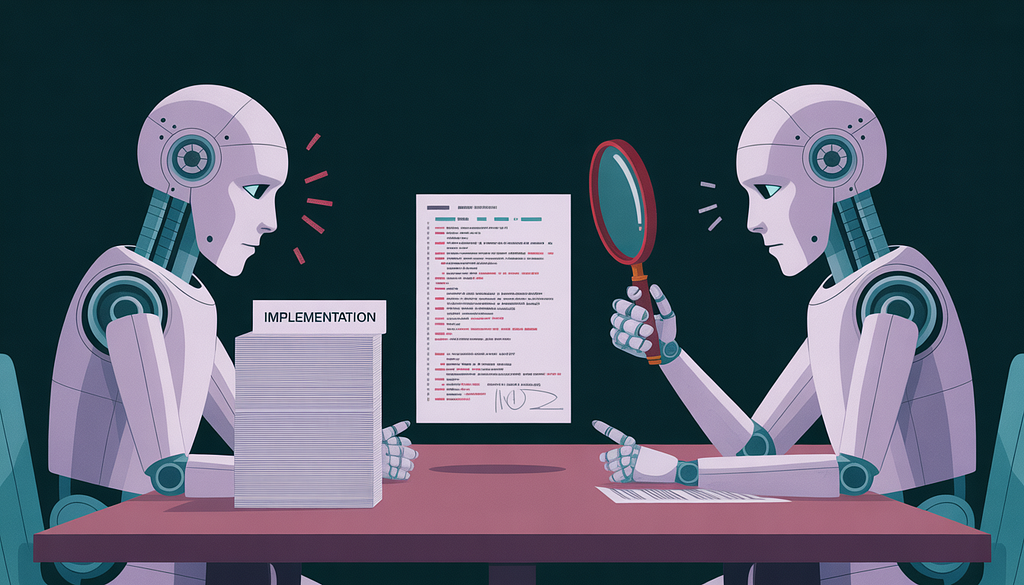
Run two Claude Code sessions at the same time. One writes. One reviews.
A Claude instance that just wrote code is the worst possible reviewer of that code. It made the decisions. It is attached to them. It will rationalize the edge cases instead of surfacing them.
A fresh Claude instance with no knowledge of why the code was written the way it was reads it the same way a skeptical colleague would. It finds the things the writer session talked itself out of flagging.
Take it further. Have one Claude write failing tests first, committed before any implementation. Have a completely separate Claude write code to pass them. Neither knows what the other is optimizing for. The test quality goes up. The implementation quality goes up. The whole thing produces better results than either would have alone.
This is test-driven development as it was always supposed to work.
Simple architecture:
- Session A (Tester) → writes failing tests → commits
- Session B (Implementer) → reads tests only → writes code
- Session C (Reviewer) → independent context → audits diffs
The last thing. And it’s the one that quietly erases everything else if you let it.
The kitchen sink session.
You start working on one thing. While Claude is running, you ask it something unrelated. You get distracted and go back to the first thing. An hour later you’ve got four different problems half-solved in the same context window and Claude is starting to lose the thread.
The developers who complain that Claude “gets weird” or “starts making strange decisions” in long sessions are almost always running kitchen sink sessions. The context is full of noise. Claude is trying to hold too many threads at once.
/clear between unrelated tasks. Two seconds. Every time you shift to something different. That’s it.
Clean context. Clean code. I’ve never seen an exception to this.
Rule of thumb: run /clear when topic, dependency scope, or risk profile changes. Treat it like closing a terminal tab and opening a fresh one.
The gap between “Claude Code is useful” and “Claude Code is how I ship” is not one big unlock. It’s eight small habits that compound quietly over weeks until one day you realize you’re operating at a speed that felt impossible eight months ago.
The tool is identical for everyone. That’s the uncomfortable part.
What you do with it is not.
References & Further Reading
- Anthropic. Claude Code Documentation. https://docs.anthropic.com
- Anthropic. Multi-Agent Patterns & Session Isolation. https://docs.anthropic.com
- Beck, K. Test-Driven Development: By Example. Addison-Wesley.
- Context Window Research: Hallucination Drift in Long-Form AI Coding Sessions. ACM/IEEE, 2024.
You Are Using Claude Code at 20% of Its Power. Here Is the Other 80% was originally published in Towards AI on Medium, where people are continuing the conversation by highlighting and responding to this story.
