I Took a 397MB Model and Turned It Into a Customer Service Chatbot That Actually Works

Part 2 of my “tiny models, big surprises” series. This time I stopped just running them and started shaping them.
A few weeks ago I wrote about running TinyLlama on my MacBook Air and being quietly stunned that a 637MB model could write working code. A lot of you wrote back asking the same question:
“Cool, but can you actually use these for real work?”
That question lived in my head for two weeks. So I went looking for an answer.
This post is what happened when I picked an even smaller model, fine-tuned it on real customer support data, and dropped it into a real company workflow as a chatbot. Spoiler: the result surprised me more than the first experiment did.
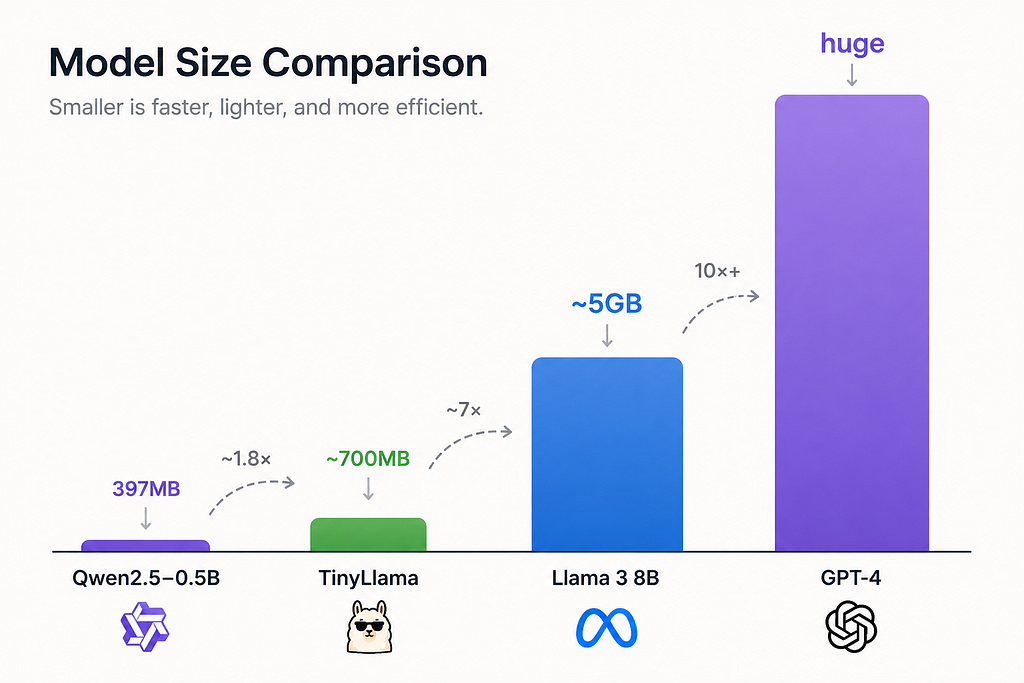
Meet Qwen2.5–0.5B (Yes, 397 Megabytes)
If TinyLlama felt small, Qwen2.5–0.5B feels almost rude.
The whole model is 397MB. That’s smaller than a single high-quality song from your music library. Smaller than the average mobile game. Smaller than the photos folder of last weekend’s birthday party.
And yet, out of the box, it punches well above its weight. The Qwen team (Alibaba) has been quietly cooking, and the 0.5B variant is one of those models where you read the benchmark chart, assume it’s a typo, then run it yourself and realize the chart was being modest.
For my purposes, three things mattered:
- It runs everywhere. Phone, laptop, Raspberry Pi. Everywhere.
- It follows instructions out of the box, which is rare at this size.
- It’s fine-tunable on a regular laptop, not a $40,000 GPU rig.
That third point is where this story actually starts.
The Problem: A Real Company With a Real Pain
I won’t name the company, but the setup was familiar. A growing online business. A small support team drowning in repetitive questions. The same handful of issues showing up over and over.
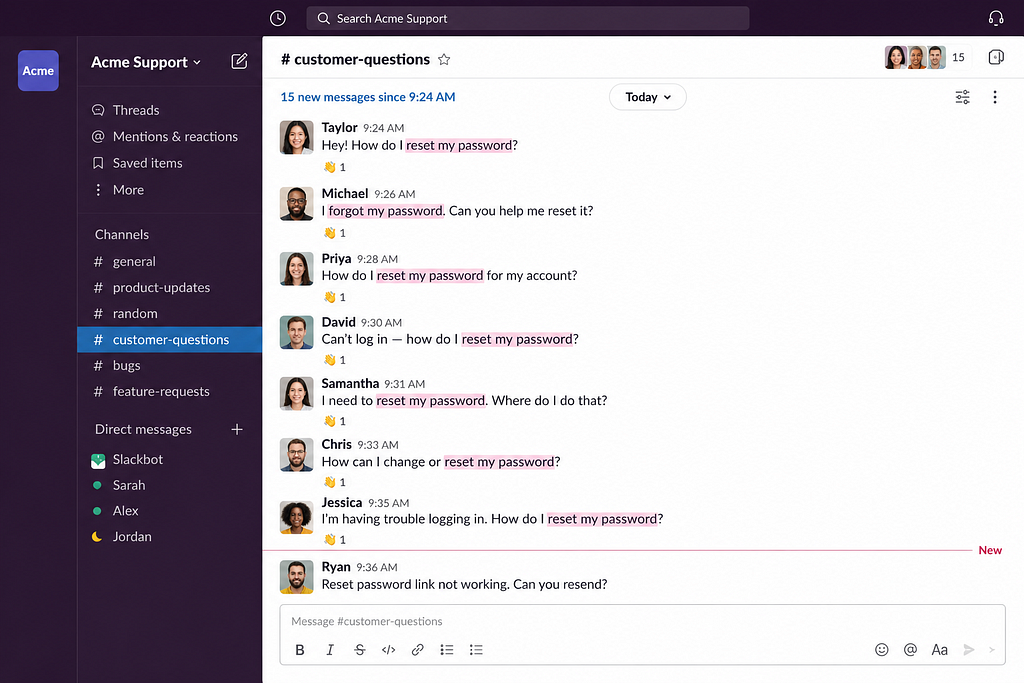
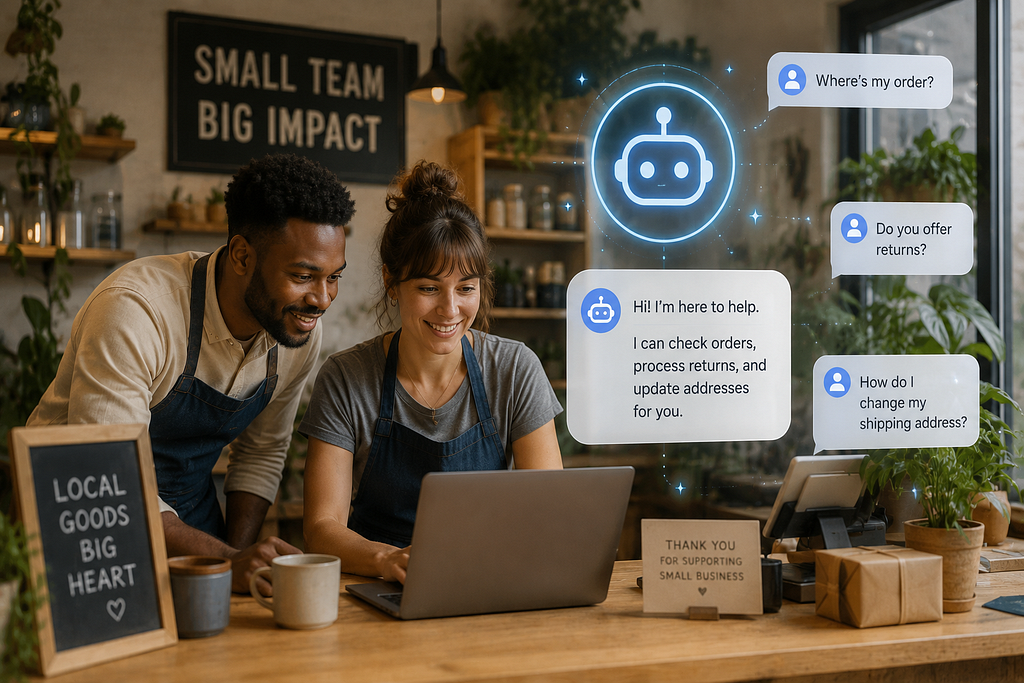
“Where is my order?” “Can I change my shipping address?” “How do I return this item?” “Is this product compatible with X?”
They didn’t want a generic ChatGPT integration. They had tried that. The answers were polished but vague, sometimes confidently wrong, and always missing the company’s voice. Customers picked up on it immediately.
What they wanted was something that sounded like them. That knew their products, their return policy, their shipping windows, their tone. And ideally, something they could host themselves without paying per message.
That’s a pretty tall order. Or it was, before tiny fine-tunable models showed up.
Why Fine-Tuning, and Why LoRA
Quick detour, because this part trips up a lot of people.
Out of the box, any base model is a generalist. It knows a little about everything and a lot about nothing in particular. If you ask Qwen2.5–0.5B about your company’s return window, it will either guess, hedge, or hallucinate.
Fine-tuning is how you teach it your world. You take the base model and train it a little more, on examples specific to your domain, until it starts sounding like it works for you.
The catch: full fine-tuning is expensive. You’re updating every single weight in the model, which needs serious GPU memory and serious time.
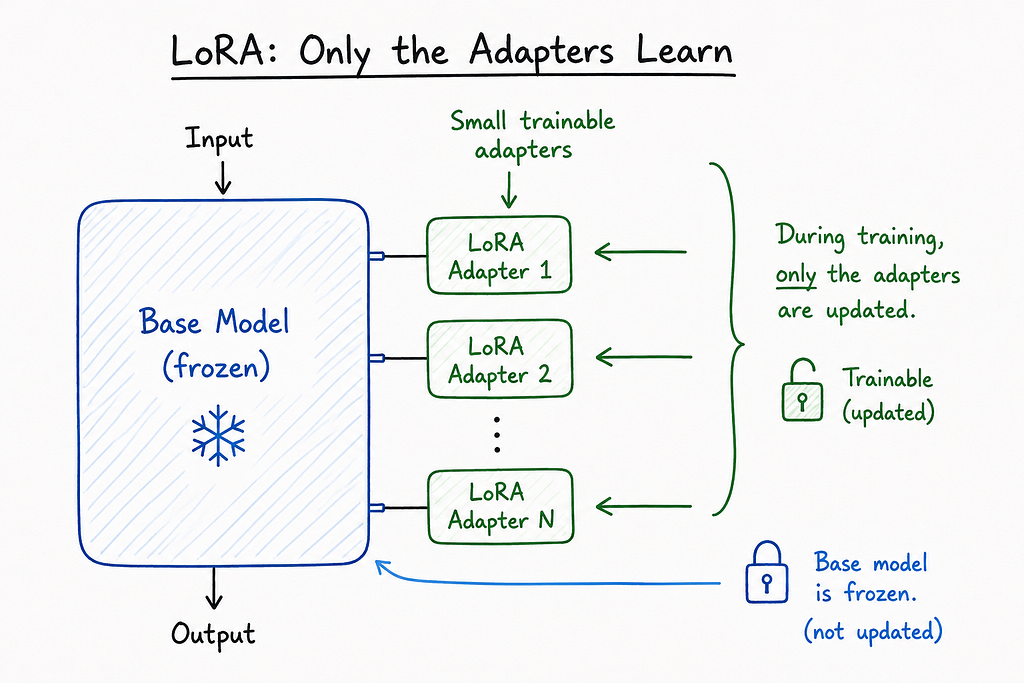
LoRA (Low-Rank Adaptation) is the clever trick that fixed this. Instead of editing the whole model, you freeze it and inject a tiny set of trainable “adapter” layers on top. You train just those layers, which are usually less than 1% the size of the original model.
QLoRA is LoRA’s even more efficient cousin. It quantizes the base model down to 4-bit precision before adding the adapters, so the whole training process fits in a fraction of the memory. With QLoRA, you can fine-tune a small model on a single consumer GPU. Sometimes even on a beefy laptop.
In plain English: LoRA lets you teach a model new tricks without rebuilding it from scratch. QLoRA lets you do it on hardware you actually own.
The Recipe (Step by Step)
Here’s roughly how the project went, in order. I’ll keep it readable and skip the parts that would only matter to engineers.
Step 1: Collect the data
I pulled around 3,000 real customer support conversations from the company’s help desk. Each one was a question from a customer and the agent’s reply.
Then I cleaned them. Removed personal info. Stripped attachments. Normalized formatting. Threw out the ones where the agent just escalated to a human or sent a one-word reply. What was left was about 1,800 high-quality examples of “this is what a good answer to this kind of question looks like.”
Step 2: Format the data
The model needs to see examples in a consistent shape. Something like:
### Instruction:
You are a helpful customer service agent for [Company].

### Input:
Hi, my order #12345 hasn't arrived yet and it's been 9 days. What's going on?

### Response:
I'm so sorry about the delay! Let me check on order #12345 right away.
Our standard shipping window is 5-7 business days, so a 9-day wait is
definitely outside what we'd expect...
This consistency matters more than people realize. The model learns the pattern of how to respond, not just the words.
Step 3: Fine-tune with QLoRA
I used the Hugging Face stack (transformers, peft, bitsandbytes, trl) on a single rented GPU. Total training time: about 40 minutes. Total cost: under three dollars.
Let that sink in. A custom AI assistant trained on a real company’s data, for less than the price of a coffee.
Step 4: Test, embarrass yourself, repeat
The first version was bad. It picked up the company’s tone, but it also picked up some of the agents’ bad habits, like over-apologizing on every single message. Round two, I filtered the training data more aggressively. Round three, I added a few hundred synthetic examples for edge cases the real data didn’t cover. By round four, it was genuinely useful.
What Changed (the Part That Matters)
Here’s what happened once we put it in front of real customers as a first-line responder, with a human safety net behind it:
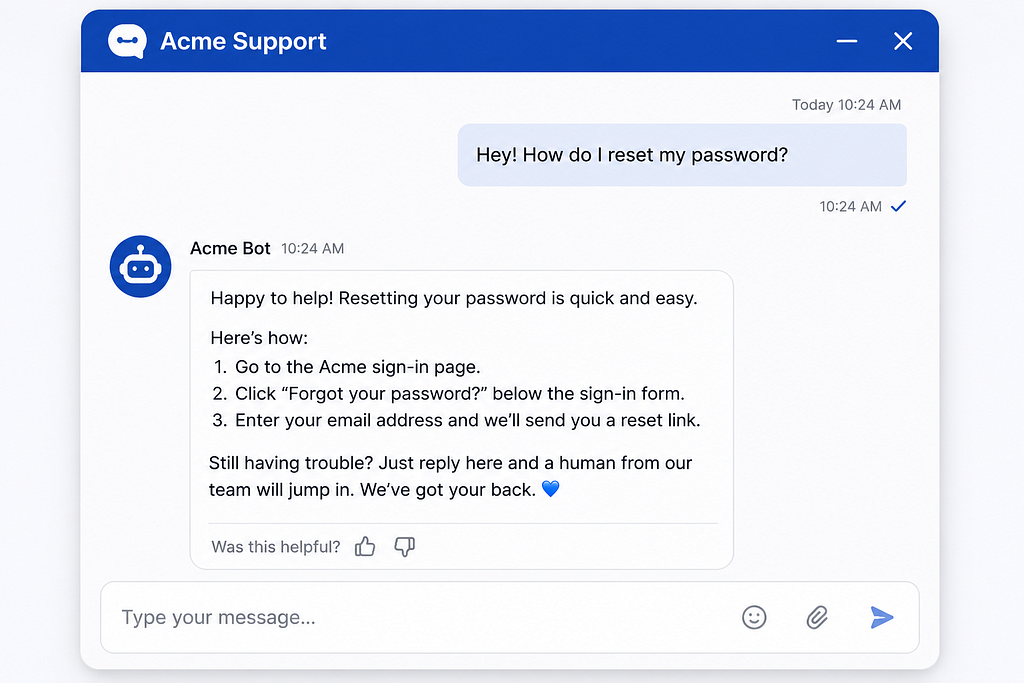
The bot handled around 62% of incoming messages end to end, no human needed. Order status, returns, shipping policy, basic product compatibility. The boring volume that was eating the support team alive.
For the other 38%, it didn’t try to be a hero. It collected the relevant info, summarized the issue, and handed it cleanly to a human agent. The agents went from typing the same five answers all day to actually solving real problems.
Average first response time went from 47 minutes to under 10 seconds.
And the part I genuinely didn’t expect: customer satisfaction scores went up, not down. Turns out people would rather get a fast, accurate, friendly answer from a bot than wait 45 minutes for a slightly warmer one from a human.
A Few Honest Caveats
I don’t want to sell this as magic, because it isn’t.
The model is specialized. Ask it about anything outside the company’s domain and it gets confused or overconfident. That’s a feature in production (you don’t want your support bot writing poetry) but it’s a real limit.
It also needs a guardrail layer in front of it. Things like: never quote a price, never confirm a refund, never make legal claims. Those are hard rules in the application logic, not soft hopes in the model.
And fine-tuning isn’t a one-time thing. Every few months, the model needs a refresh as products change, policies update, and new edge cases show up. Think of it like an employee who needs occasional retraining, not a feature you ship and forget.
Why This Is a Bigger Deal Than It Looks
Step back for a second.
A few years ago, building a custom AI assistant for a small business would have meant a six-figure consulting engagement, a team of ML engineers, and a long timeline. Today, one developer with a laptop, a weekend, and three dollars in cloud credits can ship the same thing.
That collapse in cost and complexity is the actual story. Not the model. Not even the fine-tuning technique. The fact that a small business can now own its AI, host it, customize it, and pay nothing per message, forever.
The 397MB number is just the headline. The real headline is who gets to play now.
What I’m Trying Next
This experiment opened a few doors I want to walk through:
A multi-bot setup where one model handles support, another handles internal knowledge search, and a third drafts marketing copy. All local. All fine-tuned on the company’s own data. A “personal Qwen” trained on my own notes, emails, and projects, so it actually knows my world. Combining the chatbot with a small RAG layer so it can answer questions about live data (current order status, current inventory) instead of just policy.
If any of these turn into something interesting, you’ll see them here.
The Real Takeaway
In Part 1, I learned that small models can be useful out of the box.
In Part 2, I learned that small models can be yours. Trainable, customizable, deployable, ownable. You don’t have to rent intelligence from a tech giant anymore. You can grow your own.
A 397MB file, a few thousand examples, a weekend of work, and a real business problem actually solved. That’s the new floor.
If you’ve been waiting for permission to try this on your own data, this is it. Go build the thing.
If you missed Part 1, it’s the post about running TinyLlama on a base MacBook Air. Part 3 is already brewing. Follow along if you’d like to see where this goes next.
I Took a 397MB Model and Turned It Into a Customer Service Chatbot That Actually Works was originally published in Towards AI on Medium, where people are continuing the conversation by highlighting and responding to this story.
