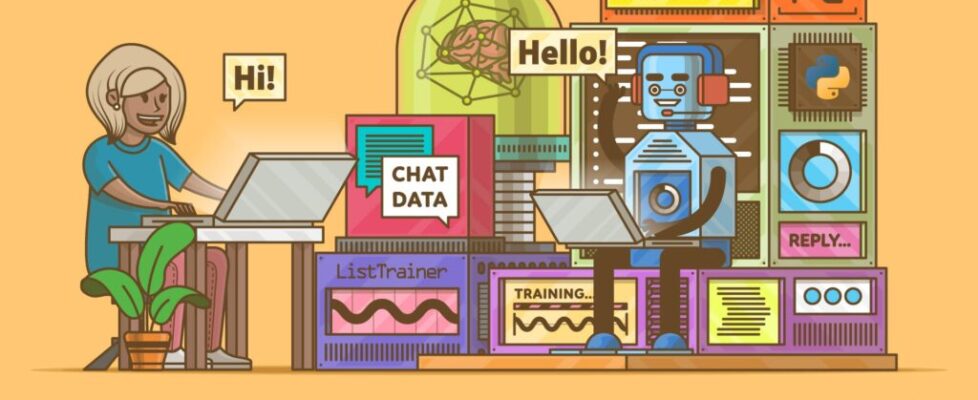
ChatterBot: Build a Chatbot With Python

The Python ChatterBot library lets you build a self-learning command-line chatbot with just a few lines of code. You’ll set up a basic bot, clean real WhatsApp conversation data with regular expressions, and train your chatbot on that custom corpus. You’ll also plug in a local LLM through Ollama to augment its replies with contextual knowledge.
By the end of this tutorial, you’ll understand that:
- ChatterBot is a Python library that combines text processing, machine learning, and a local database to generate chatbot replies.
- A minimal ChatterBot script instantiates
ChatBot, collects user input in a loop, and returns matching responses through.get_response(). - Training with
ListTrainerand default settings stores conversation pairs in a SQLite database that ChatterBot queries with Levenshtein distance to pick each reply. - ChatterBot can call a local LLM through
OllamaLogicAdapter, voting against other logic adapters with a confidence score. - ChatterBot was revived in 2025 with spaCy-based NLP, CSV and JSON trainers, and experimental LLM support.
Along the way, you’ll move from a potted plant that can only echo hello to a chatbot that chats knowledgeably about houseplants. You can follow along with your own WhatsApp export or grab the provided sample data below.
Get Your Code: Click here to download the free sample code that you’ll use to build a chatbot with Python’s Chatterbot.
Take the Quiz: Test your knowledge with our interactive “ChatterBot: Build a Chatbot With Python” quiz. You’ll receive a score upon completion to help you track your learning progress:
Interactive Quiz
ChatterBot: Build a Chatbot With Python
Test your understanding of the ChatterBot Python library, from training a basic bot with ListTrainer to wiring in a local LLM through Ollama.
Preview the Chatbot
At the end of this tutorial, you’ll have a command-line chatbot that can respond to your inputs with semi-meaningful replies:
You’ll achieve that by preparing WhatsApp chat data and using it to train the chatbot. Beyond learning from your automated training, the chatbot will improve over time as it gets more exposure to questions and replies from user interactions.
Project Overview
The ChatterBot library combines text processing, machine learning algorithms, and data storage and retrieval to allow you to build flexible chatbots.
You can build an industry-specific chatbot by training it with relevant data. Additionally, the chatbot will remember user responses and continue building its internal graph structure to improve the responses that it can give.
Note: After a long hiatus, ChatterBot was revived in early 2025 with support for modern Python, new training formats for CSV and JSON data, and even experimental LLM integration. Under the hood, ChatterBot now uses spaCy for language processing, which gives it a more robust NLP pipeline than before.
If you want to develop an LLM-first chatbot, Real Python’s LLM Application Development With Python learning path takes you through the concepts and libraries step by step:
In this tutorial, you’ll start with an untrained chatbot that’ll showcase how quickly you can create an interactive chatbot using Python’s ChatterBot. You’ll also notice how small the vocabulary of an untrained chatbot is.
Next, you’ll learn how you can train such a chatbot and check on the slightly improved results. The more plentiful and high-quality your training data is, the better your chatbot’s responses will be.
Therefore, you’ll either fetch the conversation history of one of your WhatsApp chats or use the provided chat.txt file that you can download here:
Get Your Code: Click here to download the free sample code that you’ll use to build a chatbot with Python’s Chatterbot.
It’s rare that input data comes exactly in the form you need, so you’ll clean the chat export data to get it into a useful input format. This process will show you some tools you can use for data cleaning, which may help you prepare other input data to feed to your chatbot.
After data cleaning, you’ll retrain your chatbot and give it another spin to experience the improved performance. Finally, you’ll hook a local LLM into your chatbot to augment the variety and contextual relevance of its responses.
When you work through this process from start to finish, you’ll get a good idea of how you can build and train a Python chatbot with the ChatterBot library so that it can provide an interactive experience with relevant replies.
Prerequisites
Before you get started, make sure that you have Python 3.10 or later installed, which is the minimum Python version that ChatterBot supports. If you need help setting up Python, check out Python 3 Installation & Setup Guide.
Read the full article at https://realpython.com/build-a-chatbot-python-chatterbot/ »
[ Improve Your Python With 🐍 Python Tricks 💌 – Get a short & sweet Python Trick delivered to your inbox every couple of days. >> Click here to learn more and see examples ]
