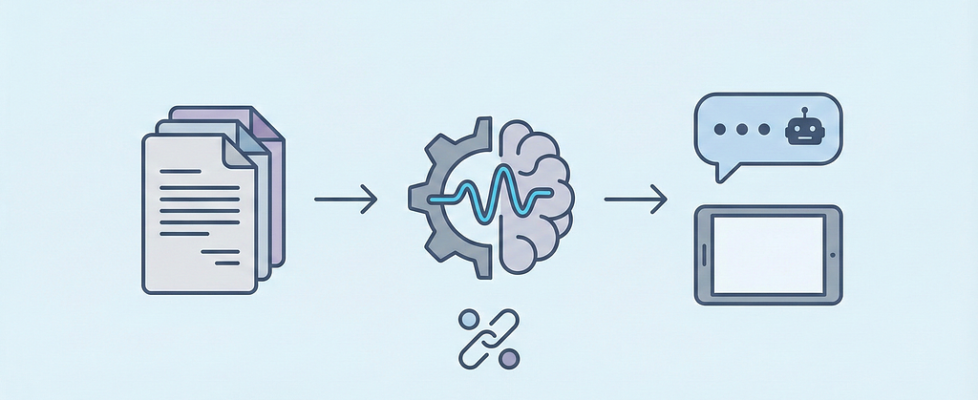
Build an Instant Chat Assistant with Groq & Llama 3

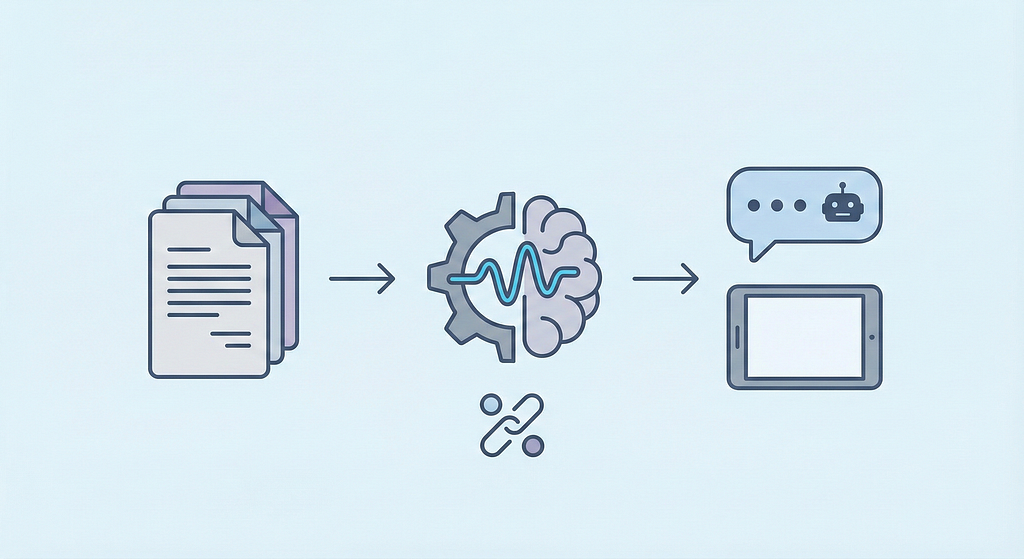
A technical guide to handling messy PDFs, optimizing Hugging Face embeddings, and deploying with Llama 3
We’ve all been there, drowning in a sea of PDFs, documentation, and random URLs, trying to find one specific answer. The old way? Control+F and hope for the best.
The new way? Chatting with your data.
Today, I’m going to show you how I built PdfPal, a lightweight, hyper-fast RAG (Retrieval-Augmented Generation) engine. Unlike standard tutorials that use slow APIs, PdfPal is built for speed.
We are using Groq (for near-instant Llama 3 inference), Hugging Face (for embeddings), and Streamlit (for the UI).
The Tech Stack
This isn’t just a wrapper; it’s a carefully chosen stack for performance:
- Groq API (Llama-3.1–8b-instant): The engine. It processes tokens fast enough to feel like a real conversation.
- Hugging Face Inference API: To generate vector embeddings without downloading massive models locally.
- FAISS: For high-performance similarity search.
- PyMuPDF (fitz): Superior to PyPDF2 for extracting text cleanly.
- Streamlit: For a responsive chat interface.
Step 1: Ingestion
A RAG system is only as good as its data. In utils.py, I built a robust ingestion pipeline.
Before we do anything, we need a helper to clean the text. PDF text is often full of weird spacing and empty lines. This simple function fixes that:
def clean_text(text: str) -> str:
    """Removes empty lines and normalizes whitespace."""
    if not text:
        return ""
    return " ".join([line.strip() for line in text.splitlines() if line.strip()])
I used PyMuPDF (fitz) because it handles data streams significantly better than older libraries like PyPDF2. It iterates through every page and extracts the text efficiently.
import fitz

def extract_pdf_text(uploaded_files) -> str:
    """Extracts and cleans text from uploaded PDF files."""
    text_content = ""
    for pdf_file in uploaded_files:
        with fitz.open(stream=pdf_file.read(), filetype="pdf") as doc:
            for page in doc:
                text_content += page.get_text() + "n"
    return clean_text(text_content)
I didn’t want to limit this to just files. I added a function using BeautifulSoup and requests to fetch text from websites, effectively turning PdfPal into a research assistant that can read documentation URLs.
import requests
from bs4 import BeautifulSoup

def extract_url_text(urls) -> str:
    """Fetches and cleans text from a list of URLs."""
    text_content = ""
    headers = {'User-Agent': 'PdfPal/1.0'}

    for url in urls:
        try:
            resp = requests.get(url, timeout=10, headers=headers)
            soup = BeautifulSoup(resp.content, 'html.parser')
            text_content += soup.get_text(separator="n").strip() + "n"
        except Exception as e:
            st.error(f"Failed to fetch {url}: {e}")

    return clean_text(text_content)
Step 2: Embeddings
Here is where standard tutorials fail. Often, the default LangChain embedding classes struggle with specific API return formats (like nested lists or numpy arrays) from Hugging Face.
In embeddings.py, I wrote a custom class HuggingFaceAPIEmbeddings.
The most critical part of this class is the _flatten_to_floats method. It ensures that no matter what weird format the API sends back (numpy array, list of lists), we always convert it into a clean list of floats that FAISS can understand.
class HuggingFaceAPIEmbeddings(Embeddings):

def _flatten_to_floats(self, embedding) -> List[float]:
        """Convert embedding to flat list of floats"""
        try:
            # Handle numpy arrays explicitly
            if isinstance(embedding, np.ndarray):
                return [float(x) for x in embedding.flatten()]

            # Handle list of lists
            if isinstance(embedding, list):
                if len(embedding) > 0 and isinstance(embedding[0], list):
                    return [float(value) for chunk in embedding for value in chunk]
                return [float(x) for x in embedding]

            # Handle single value
            return [float(embedding)]
        except (ValueError, TypeError) as e:
            st.error(f"Error flattening embedding: {e}")
            return []
We then use that helper in the main embed_documents method to process our text chunks safely.
def embed_documents(self, texts: List[str]) -> List[List[float]]:
    vectors = []
    for text in texts:
        try:
            embedding = self.client.feature_extraction(text)
            vectors.append(self._flatten_to_floats(embedding))
        except Exception as e:
            st.error(f"Embedding failed: {e}")
            vectors.append([])
    return vectors
Step 3: Processing & Indexing
We can’t feed a whole book to Llama 3. We need to split text into chunks and store them. In utils.py, the process_content function handles this.
I chose a Chunk Size of 5000 with an Overlap of 500. This is larger than the standard 1000-character chunks because Llama 3 has a generous context window.
def process_content(uploaded_pdfs, urls):
    # ... (extraction logic from step 1) ...

    # Split text
    splitter = RecursiveCharacterTextSplitter(
        chunk_size=5000,
        chunk_overlap=500,
        separators=["nn", "n", " ", ""]
    )
    chunks = splitter.split_text(raw_text)
Unlike basic scripts that overwrite the database every time, my logic checks if an index already exists. If it does, we load it and add new documents to it. If not, we create a fresh one. This persistence is key for a usable tool.
try:
    embeddings = HuggingFaceAPIEmbeddings(model=EMBEDDING_MODEL, api_key=hf_api_key)
    os.makedirs(FAISS_PATH, exist_ok=True)

    index_file = os.path.join(FAISS_PATH, "index.faiss")

    # Check if we have an existing DB to append to
    if os.path.exists(index_file) and os.path.getsize(index_file) > 0:
        db = FAISS.load_local(FAISS_PATH, embeddings, allow_dangerous_deserialization=True)
        db.add_texts(chunks)
        db.save_local(FAISS_PATH)
    else:
        # Create fresh DB
        db = FAISS.from_texts(chunks, embedding=embeddings)
        db.save_local(FAISS_PATH)
except Exception as e:
    st.error(f"Failed to create vector store: {e}")
Step 4: The Brain (Groq + Llama 3)
In llm.py, we bring the intelligence.
First, we need a safe way to load our “Long Term Memory” (FAISS). This function checks if the path exists before trying to load, preventing crashes on the first run.
def load_vector_store():
    """Loads cached vector store."""
    if not os.path.exists(FAISS_PATH):
        return None
    try:
        embeddings = HuggingFaceAPIEmbeddings(model=EMBEDDING_MODEL, api_key=hf_api_key)
        return FAISS.load_local(FAISS_PATH, embeddings, allow_dangerous_deserialization=True)
    except Exception as e:
        st.error(f"Failed to load vector store: {e}")
        return None
We use ChatGroq to access llama-3.1-8b-instant. We perform a similarity search with k=2 (retrieving the top 2 chunks), which gives us plenty of context since our chunks are large.
def generate_answer(question: str) -> str:
    # ... (load db logic) ...

    prompt = PromptTemplate(template=PROMPT_TEMPLATE, input_variables=["context", "question"])
    model = ChatGroq(model=LLM_MODEL, temperature=LLM_TEMPERATURE, api_key=groq_api_key)
    chain = prompt | model | StrOutputParser()

    # Retrieve Context
    docs = db.similarity_search(question, k=2)
    context = "nn".join(doc.page_content for doc in docs) if docs else "No relevant context"

    return chain.invoke({"context": context, "question": question})
Step 5: The UI (Streamlit)
Finally, in app.py, we wrap it all in a sleek interface. This isn’t just a text box; it’s a full chat application.
I added custom CSS to make the chat bubbles look distinct and professional. user-message aligns right, and assistant-message aligns left.
st.markdown("""
    <style>
    .user-message {
        display: flex;
        justify-content: flex-end;
        margin-bottom: 10px;
    }
    .assistant-message {
        display:flex ;
        justify-content: flex-start;
        margin-bottom: 10px;
    }
    /* ... (styling for bubbles) ... */
    </style>
    """, unsafe_allow_html=True)
The sidebar handles the file uploads. Notice how process_content is imported from utils only when the button is clicked—this keeps the app startup fast.
with st.sidebar:
    st.title("Menu")
    uploaded_pdfs = st.file_uploader("Upload PDFs", accept_multiple_files=True, type="pdf")

    if st.button("Process Documents"):
        if uploaded_pdfs:
            with st.spinner("Processing content..."):
                from utils import process_content
                process_content(uploaded_pdfs, [])
                st.success("Done!")
We maintain a chat_history in session_state. This loop renders previous messages first, then waits for new input. st.rerun() is crucial—it refreshes the app to show the new message immediately.
# Render History
for role, msg in st.session_state.chat_history:
    css_class = "user-message" if role == "user" else "assistant-message"
    st.markdown(f'<div class="{css_class}"><div>{msg}</div></div>', unsafe_allow_html=True)

# Handle New Input
    if user_input := st.chat_input("Ask about your documents..."):
        st.session_state.chat_history.append(("user", user_input))
        st.markdown(f'<div class="user-message"><div>{user_input}</div></div>', unsafe_allow_html=True)
        response = generate_answer(user_input)
        if response:
            st.session_state.chat_history.append(("assistant", response))
            st.markdown(f'<div class="assistant-message"><div>{response}</div></div>', unsafe_allow_html=True)
            st.rerun()
Closing Thoughts
Building PdfPal taught me that latency is the killer of user experience. By switching to Groq and optimizing our embedding layer, we turned a sluggish document search into a real-time conversation.
The code isn’t just about connecting APIs; it’s about handling the edge cases — the messy PDFs, the nested embedding arrays, and the context window limits.
Clone the repo, add your API keys, and stop searching through documents manually. Let the AI do the heavy lifting.
If you found this article useful, check out the full code in the GitHub Repository.
If you enjoy reading this Story?
Subscribe for free to get notified when I publish a new story.
Build an Instant Chat Assistant with Groq & Llama 3 was originally published in Towards AI on Medium, where people are continuing the conversation by highlighting and responding to this story.
