Cache Expiry is Eating Your AI Coding Budget

How cache TTL determines your bill
I was burning through my Claude Code budget way faster than I should have been. Same work, same sessions, just bleeding tokens for no reason. Took me a while to figure out why.
I started digging through the .jsonl session files one night, checking token usage patterns. That’s when I saw it. Almost zero cache hits. Every turn paying full price for stuff that should’ve been cached.
The problem wasn’t the tool. It was me!
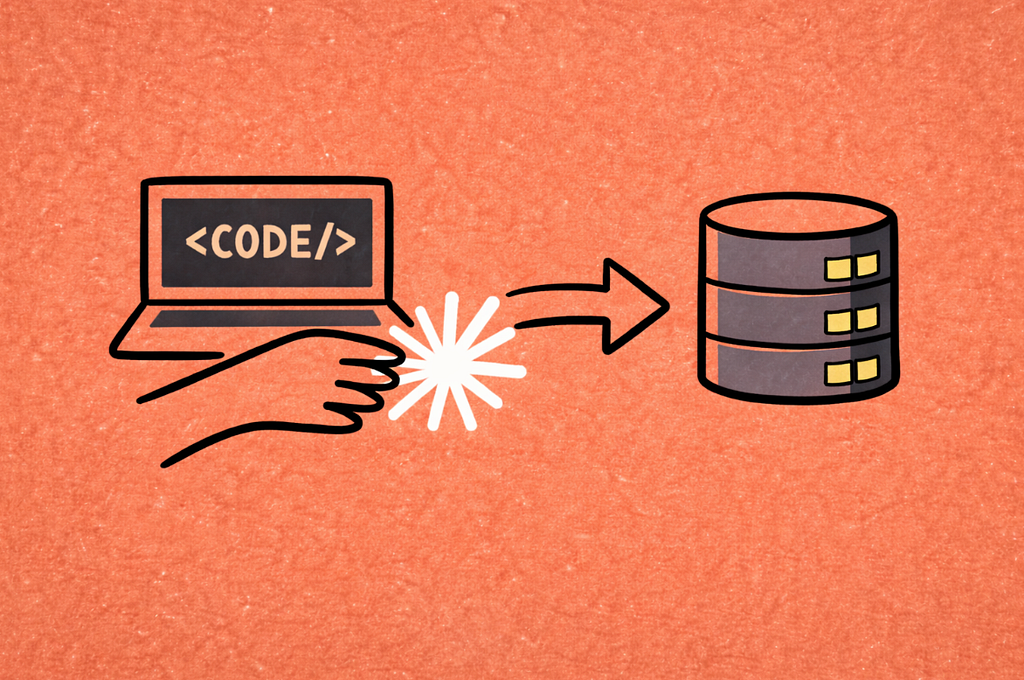
Cache TTL is only 5 minutes
You’re probably familiar with prompt caching. Every time you use an AI coding tool, you consume tokens from your budget. These tokens can come from cache (90% cheaper) or hit the servers for full processing (full price).
When using agentic coding tools with prompt caching (Claude Code, Codex, Cursor), the system handles caching automatically. System instructions, tool definitions, conversation history and file contents all get cached. The catch is the 5 minute cache expires fast, and your workflow determines if you pay $0.30 per million tokens or $3.00 per million tokens for the exact same work.
Note: I use Claude Code in examples, but this applies to any agentic coding tool with prompt caching.
I was a bit distracted. I’d code for 3 minutes, check email, come back 7 minutes later. Cache expired. Paid full price all over
again. Or I’d switch projects for just a second, which meant starting over with a new context and new cache, losing everything I’d built up before.
Every context switch, every distraction, every break longer than 5 minutes was costing me tokens.
What I changed
First thing I fixed: stopped fragmenting my work. When I’m debugging now, I’ll spend 30 minutes straight iterating on a bug fix. Run tests, tweak code, run again, fix errors. Each iteration reuses the cached context. By turn 10, I’m only paying for my new messages, not the entire conversation history and file contents. Cache stays warm. Every turn after the first is 90% cheaper.
I learned the context switching thing the hard way. I was jumping between three different projects in one session, constantly asking Claude to read new files. Every switch meant cache misses. My token usage tripled compared to when I stay focused on one project. Now I finish all work on one feature before switching. One context, one cache, one price.
The other thing that helped was batching. Instead of fixing bug A, waiting 10 minutes, then fixing bug B, then waiting again, I rapid fire through related requests. Fix bugs A, B, and C in succession. Add this function, add error handling, add tests, run them, fix errors. All within 5 minutes. All cache hits after the first turn. The faster you iterate, the more you save.
There’s this weird situation with long running operations though. I had a performance test that took 8 minutes. Every time, the cache expired while waiting. Started sending a quick test still running message at the 4 minute mark. Sounds stupid, but it works. If tests take a long time, respond within 5 minutes to keep the cache alive.
Also, I stopped using /clear frequently. The /clear command wipes your context, which means the cache is gone. I keep the same session running for hours when working on a feature. System instructions and tool definitions get cached once, then every subsequent turn reads from cache. If I cleared context after every task, I’d be recreating that cache every time at full price.
The biggest change was front loading context. When I start working on a new feature now, my first message is comprehensive. I tell Claude to read plan.md, main.py, and tests/test_main.py, paste the full spec, list all constraints upfront. All that context gets cached once on the first turn, then reused across all subsequent iterations at 90% discount. Cache read is $0.30 per million tokens. Regular input is $3.00 per million tokens.
Every iteration after that, Claude has the full picture for pennies.
The math on this
How bad this really is?
With good cache hygiene (continuous 30 minute session):
First request:  100K tokens × $3.75/million = $0.375 (cache creation)
Next 21 requests: 100K tokens × $0.30/million = $0.03 each × 21 = $0.63 (cache reads)
Total: $1.005
With poor cache hygiene (10 minute breaks, cache expires every time):
All 22 requests: 100K tokens × $3.00/million = $0.30 each × 22 = $6.60 (all cache misses)
Total: $6.60
Savings: $5.595 (85% reduction) just by working continuously. And this compounds. The longer your session, the more you save.
The cache is your friend, but only if you work with it instead of against it.
TLDR;
- Work in focused 30 minute sprints, take breaks after you’re done
- Stick to one project or feature at a time, context switching kills your cache
- Batch related requests together, rapid fire through them within 5 minutes
- Keep sessions alive during long operations, send quick messages if needed
- Stop using /clear frequently, same session = cached context
- Front-load all context in your first message, gets cached once and reused for pennies
You can follow for more such content.
Cache Expiry is Eating Your AI Coding Budget was originally published in Towards AI on Medium, where people are continuing the conversation by highlighting and responding to this story.
