So You Keep Typing the Same Prompt… Let’s Talk About Skills

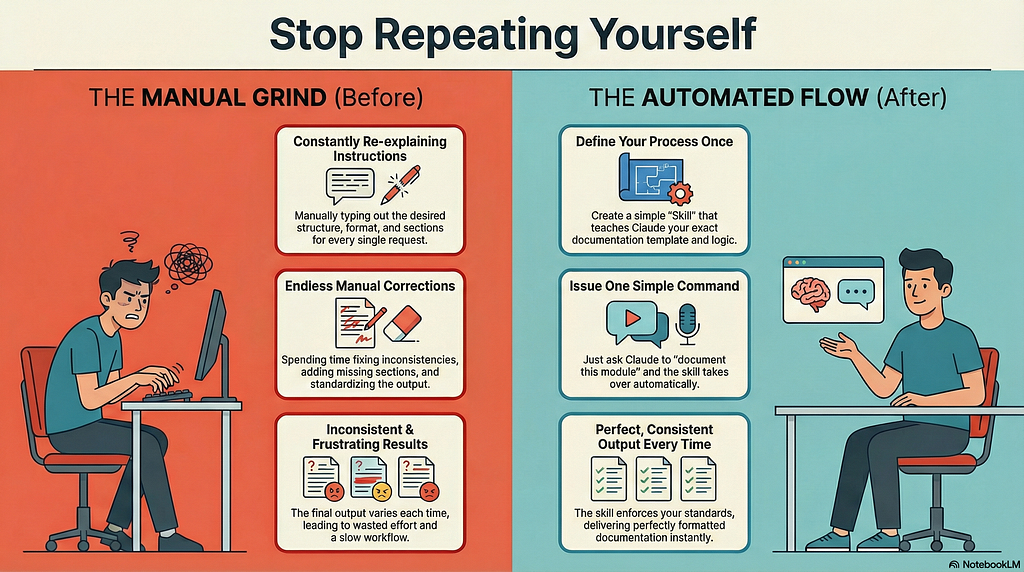
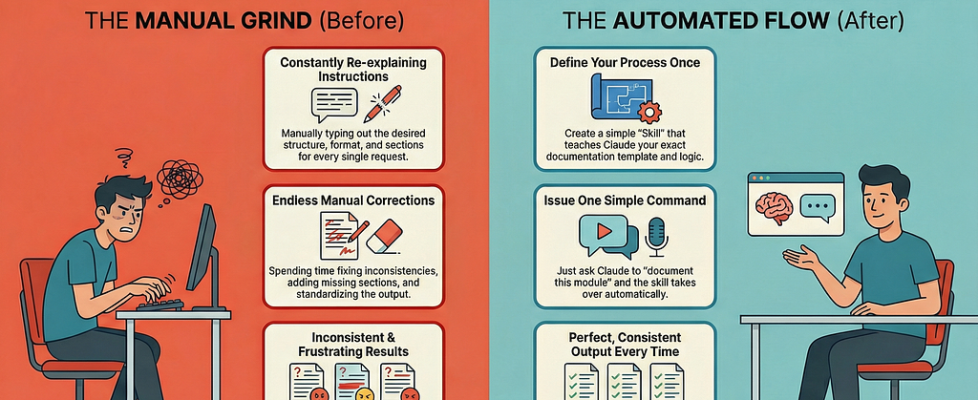
Picture this: You’re deep in your codebase, using Claude Code or any AI assistant to power through your development workflow. You’ve just finished building a new module, and now you need to document it. So you open Claude Code and type:
“ Generate a standard README for this module with an overview, add a table summarizing components (columns: Name, Purpose, Key Features), detail each file with usage examples and end with its overall significance.”
Claude generates a beautiful README. Perfect.
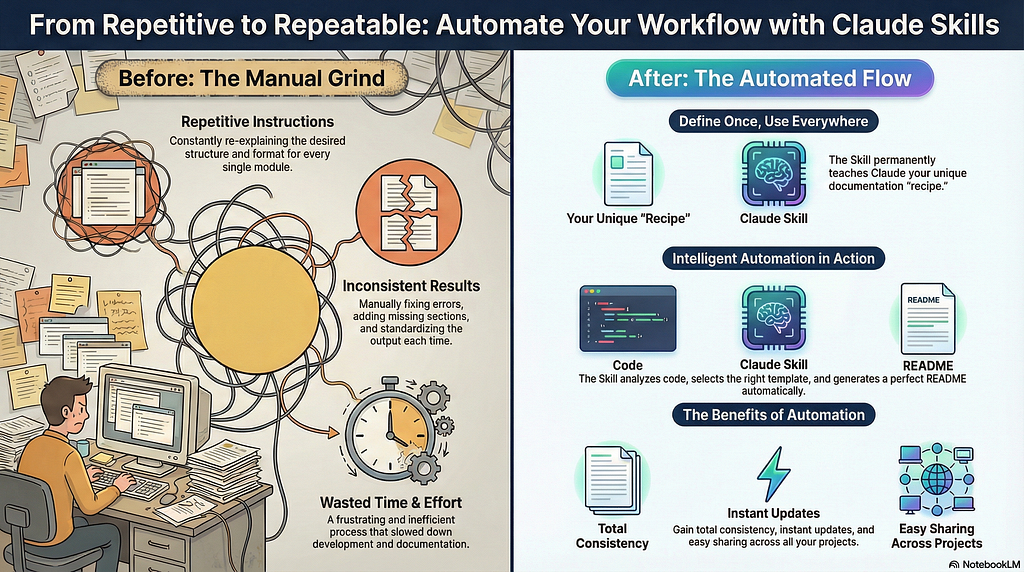
Next day, new module. You type the same thing again. And again. And again.
Sound familiar?
When using AI coding tools regularly, this wall may be hit. You’ve found a prompt structure that works, a format you love, a workflow that produces exactly what you need — but you have to manually type it out every single time.
This is where our minds might go to one of these solutions:
- Save their prompt in a text file and copy-paste it (better, but still manual)
- Keep retyping it (and slowly lose their mind)
- Give up on consistency altogether
Now this problem has a direct solution: Claude Skills.
What are Skills, Really?
Think of Skills as teaching Claude a reusable recipe that it automatically recognizes and applies when needed.
Instead of:
You → "Here's my 200-word documentation template again..."
Claude → Generates docs
You → Repeat tomorrow
You get:
You (once) → Create skill with your template
You (forever) → "Document this module"
Claude → Auto-detects skill, applies your exact format
Skills are markdown files that live in ~/.claude/skills/. That’s it. No complex setup, no SDK, no TypeScript—just a structured markdown file with YAML frontmatter.
https://medium.com/media/a55f500e48c9b74507e5e85e8dae424d/href
The Real Question: Skills or Subagents?
When I discovered I could automate this repetitive documentation task, I had two paths:
Option 1: Create a Custom Skill
Option 2: Build a Custom Subagent in Claude Code
At first, I wasn’t sure which to choose. Both can automate tasks, but they’re fundamentally different tools. Here’s what I learned:
Skills are like recipe cards. They contain instructions, scripts, and templates that Claude loads dynamically when relevant. You create them as markdown files, drop them in a folder, and Claude automatically knows when to use them. They’re lightweight, portable, and share context with your main conversation.
Subagents are like hiring a specialist. They’re full AI agents with their own context windows, independent tool permissions, and the ability to run complex multi-phase workflows in parallel. You invoke them with /agents in Claude Code, and they can work in the background while you keep coding.
The deciding factor came down to workflow complexity.
For the documentation task, asked yourself:
Do I need the same structure every time? ✅ Yes (template-driven)
Do I need multi-phase logic (analyze → diagram → doc → review)? → No
Do I want this portable across all my projects? ✅ Yes
Do I need to isolate verbose output from my main chat? → No
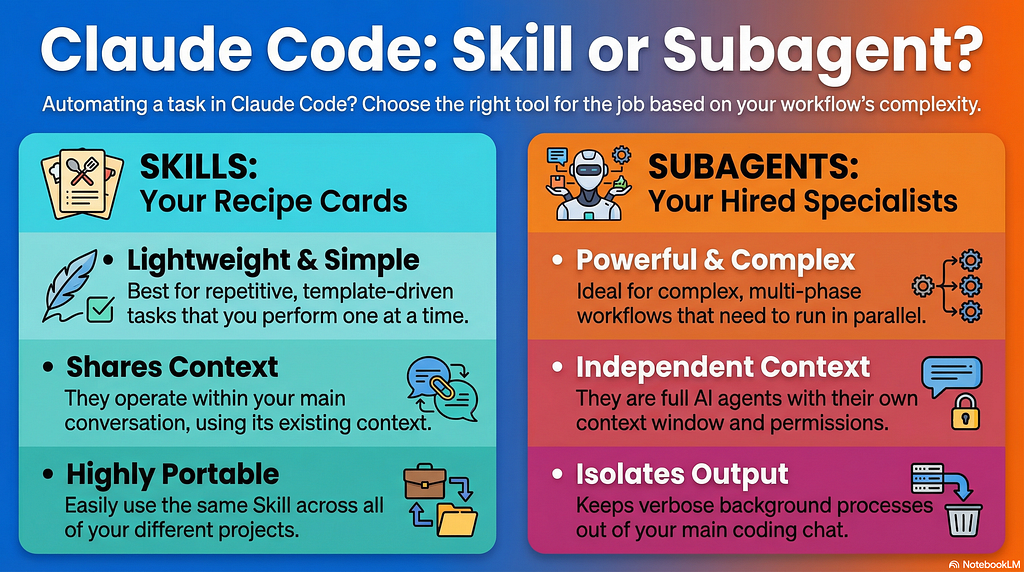
Rule of thumb: If you can describe it as “fill in this template with that data,” it’s a Skill. If you need “do X, then based on results do Y or Z, then wait, then…” it’s a Subagent.
Skills won. Hands down.
The choice is simple: use Skills when you need reusable, template-driven expertise that loads dynamically. Use Subagents when you need independent execution with isolated context and specific tool permissions.
How Skills Actually Work
Now that we understood we need a skill, lets see what happens when we create one:
- Create the folder structure
~/.claude/skills/your-skill-name/
├── skill.md          # Main instructions (required)
├── templates/        # Optional templates
└── examples/         # Optional reference examples
2. Add YAML frontmatter to skill.md
This is critical — without it, Claude won’t discover your skill:
---
description: Generates standardized README.md for Python modules
---
3. Write your instructions
Explain when to use the skill and what output you expect. Be specific:
## When to Use
- User requests "document this module"
- User asks "create README for [folder]"

## Output Format
1. Module overview (2-3 sentences)
2. Component table (3 columns: Component | Purpose | Details)
3. Per-file breakdown with usage examples
4. Significance section
4. Use it naturally
Just ask Claude:
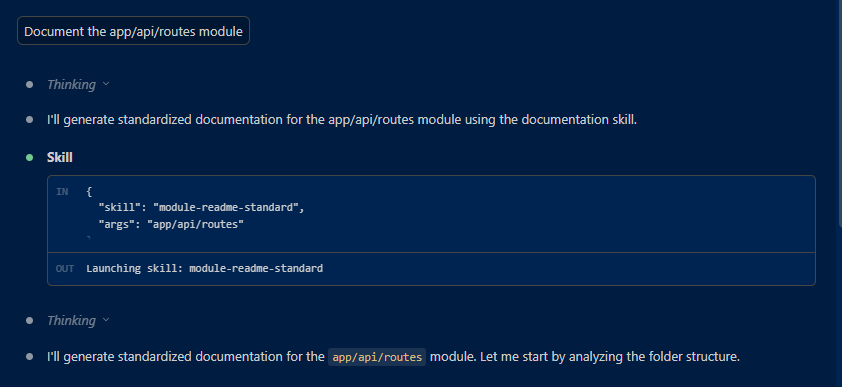
"Document the src/services module"
Claude auto-detects your skill, applies your template, and generates exactly what you taught it.
No restart. No rebuild. No manual invocation.
Real Benefits You’ll Feel Immediately
- Hot Reload (Claude Code 2.1.0+): Edit your skill markdown → changes apply instantly. No restart needed.
- Portability: Just copy the skill folder to a teammate’s machine and it works immediately. No setup, no dependencies, no configuration. Share your workflow as easily as sharing a recipe.
- DRY Principle: Define once, use everywhere. Every project, every module, same quality.
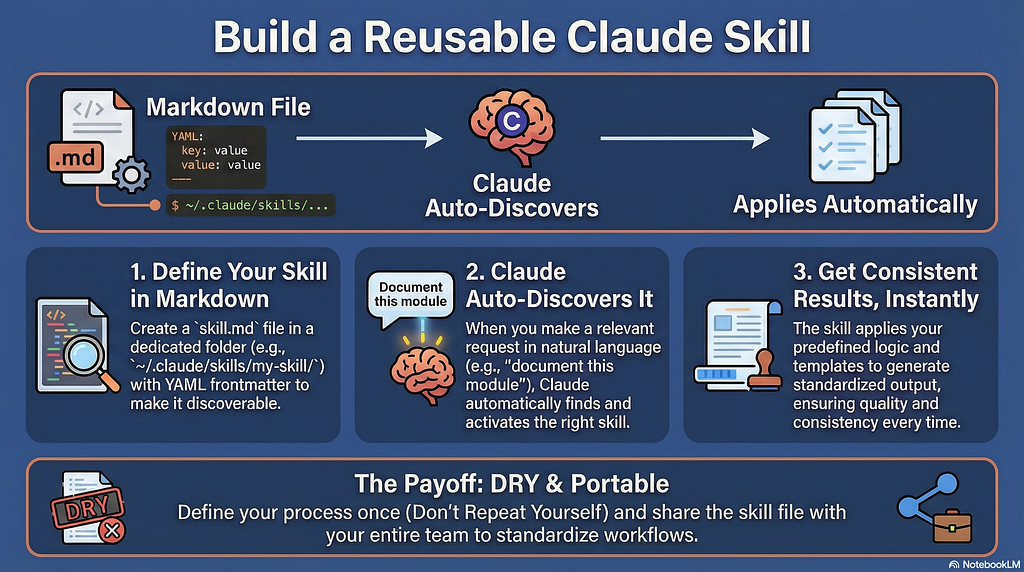
The win? You stop being Claude’s prompt copilot and start being its teacher. Teach it once, benefit forever.
So ask yourself: What prompt are you typing over and over today? That’s your first Skill waiting to be created.
Resources & Further Reading
If you want to dive deeper into Claude Skills and Subagents, here are the essential resources:
Claude Skills Official Documentation
Now that you understand the power of Skills and Subagents, what’s the first task you’ll automate? Have you already created any custom skills or subagents in your workflow? Share what you’ve built or what you’re thinking of creating next — I’d love to hear what problems you’re solving with automation.
So You Keep Typing the Same Prompt… Let’s Talk About Skills was originally published in Towards AI on Medium, where people are continuing the conversation by highlighting and responding to this story.
